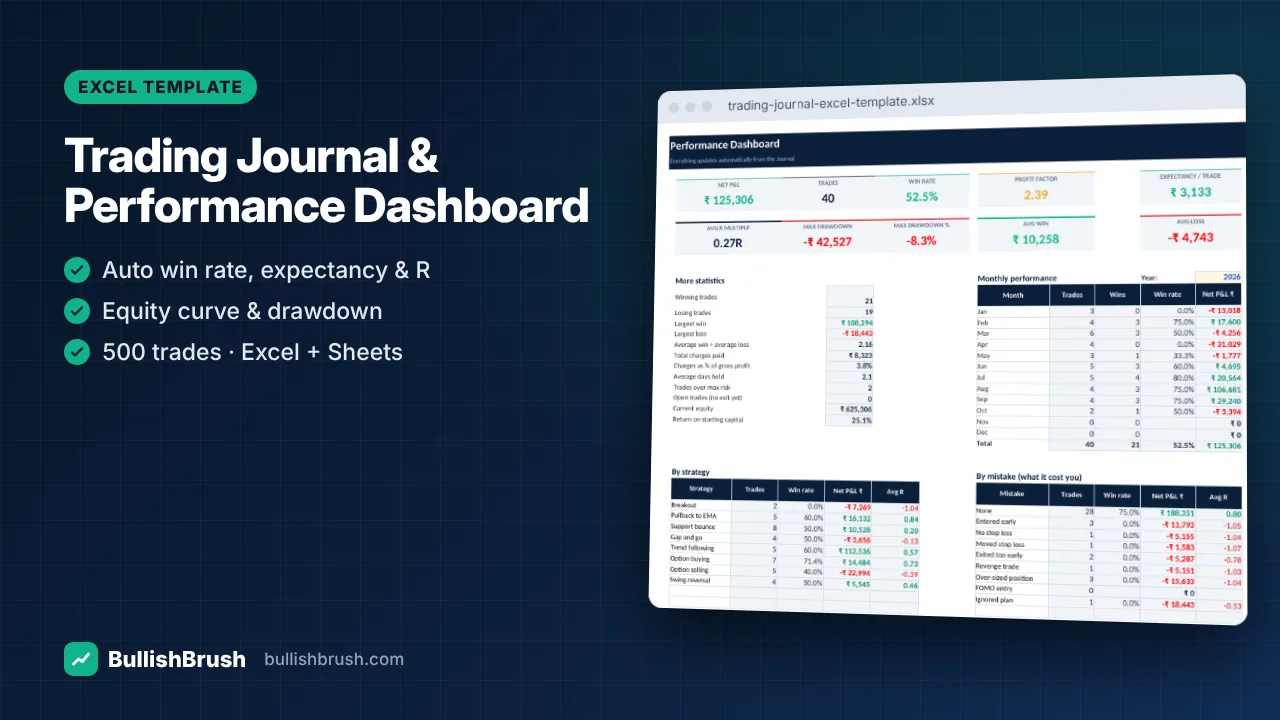
Trading Journal & Performance Dashboard (Excel / Google Sheets)
Log every trade once — win rate, profit factor, expectancy, R-multiples, drawdown and monthly P&L calculate automatically.
₹249
₹49950% off
View details
Plan a monthly budget, log spending in seconds and see budget vs actual, the 50/30/20 split and your savings rate.
A simple, good-looking budget that you'll actually keep using. Set a budget per category, add transactions as you go, and the dashboard tells you exactly where your money went this month.
Works in Microsoft Excel (2010 or later), Google Sheets and LibreOffice Calc. Instant download after payment — available any time in your account.
No reviews for this course yet. Read our Google reviews
BullishBrush provides stock market education only. We are not a SEBI-registered investment adviser or research analyst and do not give buy/sell recommendations or tips. Investments in securities markets are subject to market risks; read all related documents carefully before investing. Past performance does not guarantee future results.
Join a free demo class or message us — we will help you choose the right course.
Free Demo Class WhatsAppLog every trade once — win rate, profit factor, expectancy, R-multiples, drawdown and monthly P&L calculate automatically.
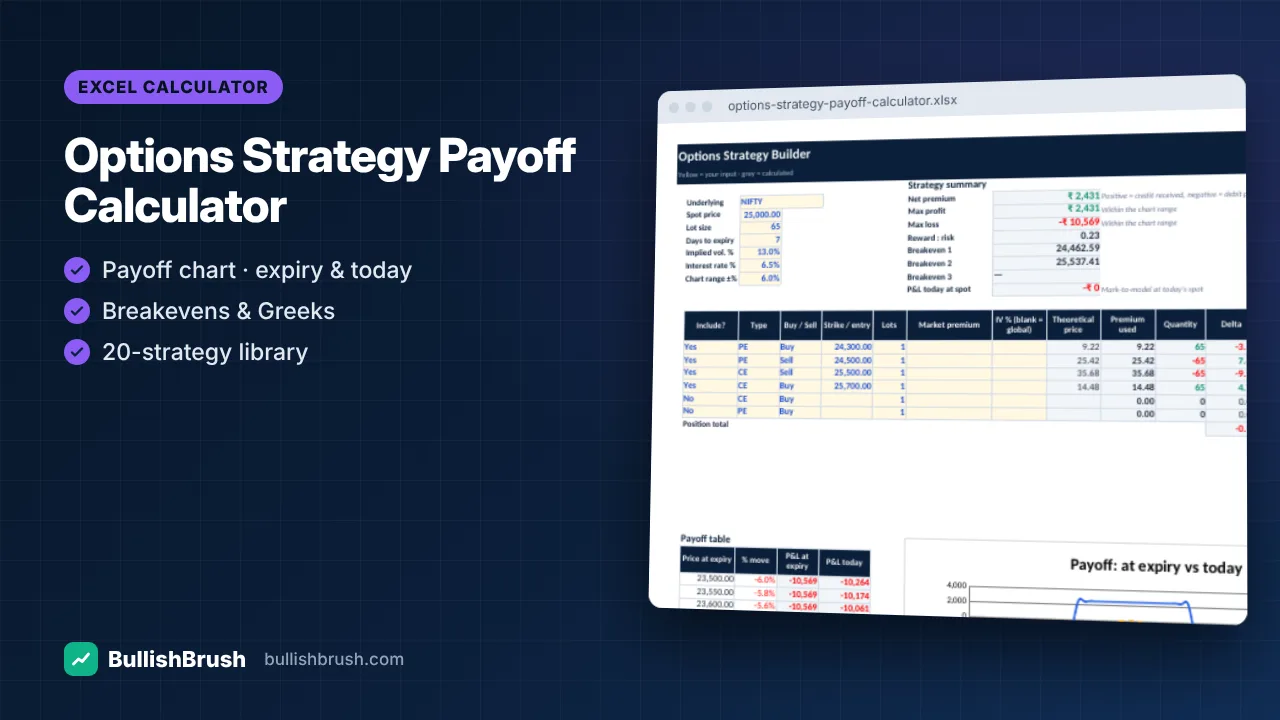
Build any strategy with up to 6 legs and see payoff at expiry and today, breakevens, max profit/loss and Greeks.
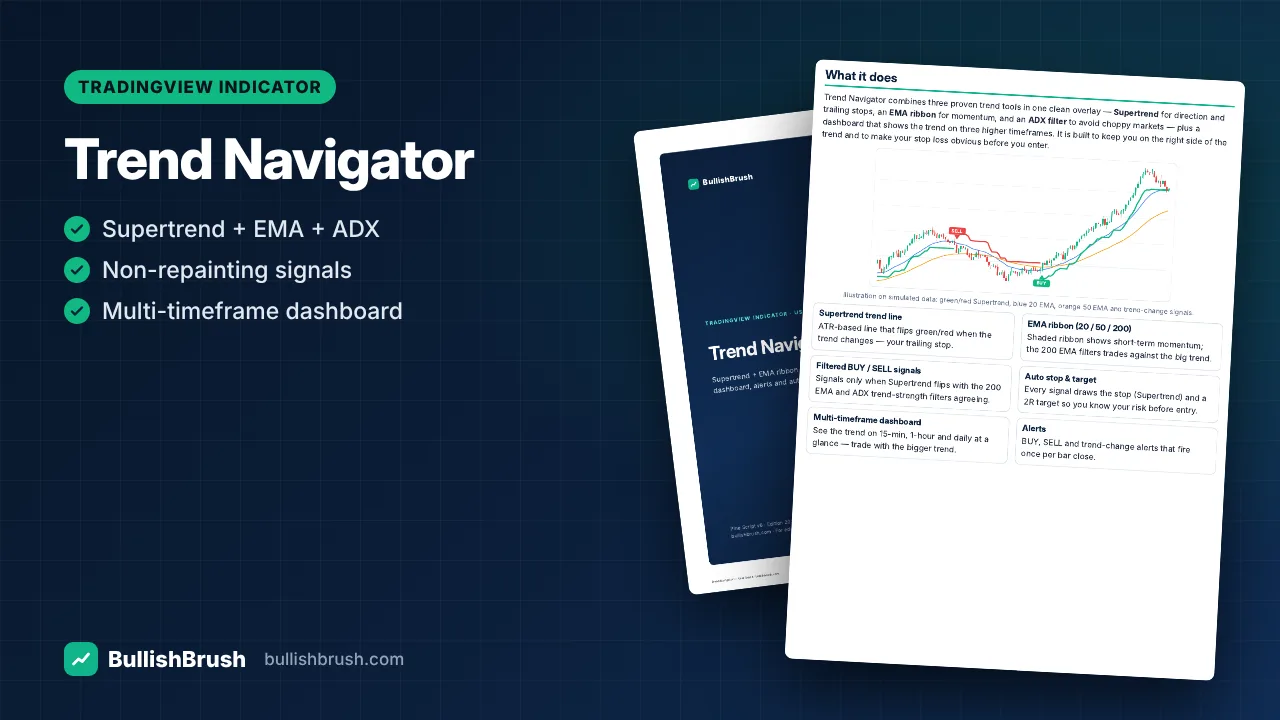
Supertrend, EMA ribbon and ADX filter in one overlay, with filtered BUY/SELL signals, auto stop/target and a multi-timeframe dashboard.